

Services
UI and UX design for business software people enjoy using
EZ Solutions designs business software around the people who use it every day: shop owners, technicians, accountants and front desk staff. The result is fewer clicks, familiar words and screens that work on a phone.
At a glance
What is UI and UX design at EZ Solutions?
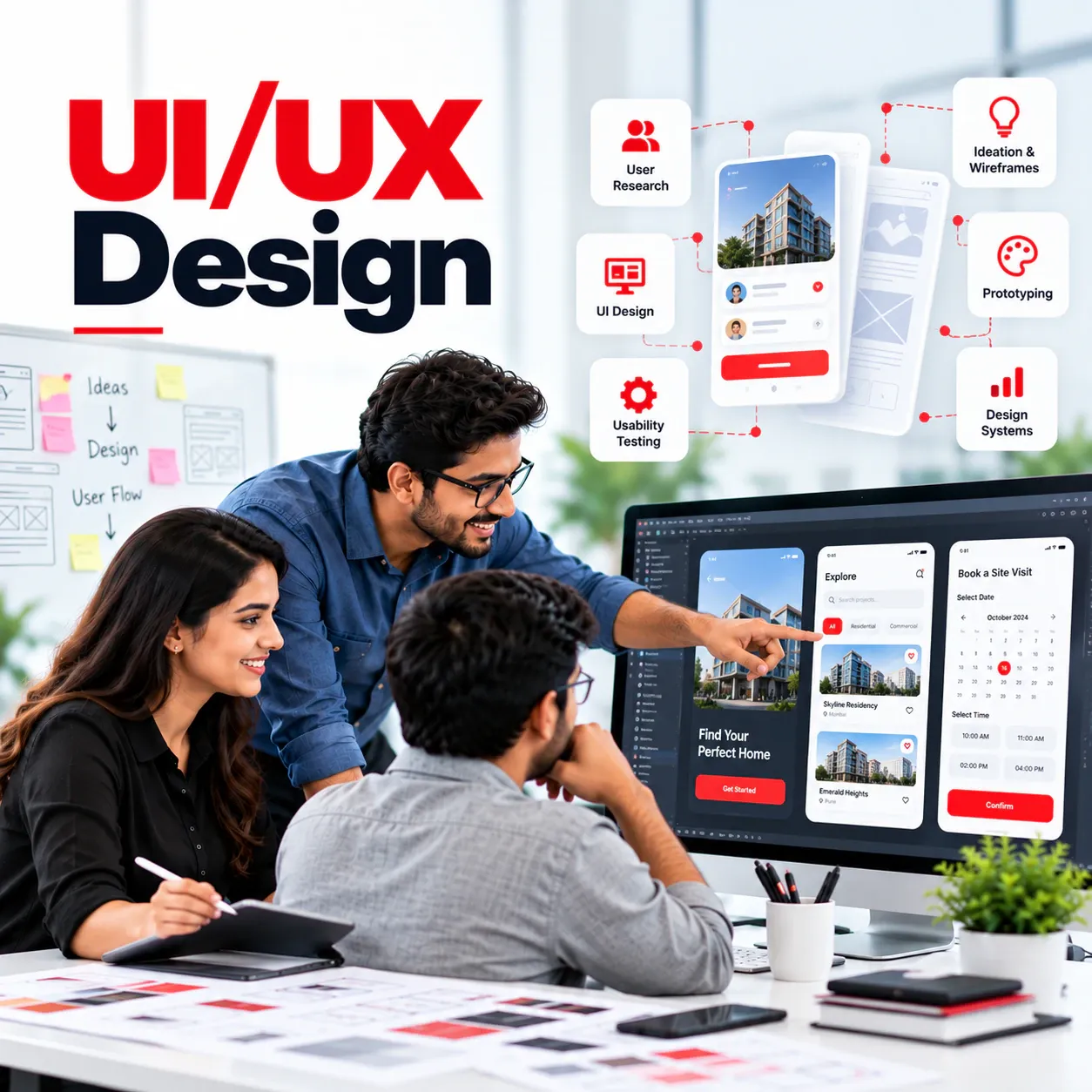
UI and UX design at EZ Solutions starts with how users work today, then turns that into simple screens, a clickable prototype and a design system developers can build from. It suits new products and redesigns of software that has become hard to use.
- Builds
- Research and prototypes
- Covers
- Redesign of old software
- Includes
- Mobile-first screens
What we build
What does the UI/UX design service include?
- User research
- Conversations and observation with the people who will use the software.
- Flows and wireframes
- The steps of each task mapped out before any visual design.
- Clickable prototypes
- Prototypes to try with users and agree on before development.
- Design systems
- Colours, type, components and rules that keep every screen consistent.
- Redesign of old software
- Cluttered or dated screens made clear without losing what users rely on.
- Accessible, bilingual screens
- Readable contrast, large touch targets, and English and Hindi where needed.
Examples
Where it helps businesses
Make old software easy again
A system that only experienced staff can use is redesigned so new staff learn it in a day.
Design before building
A clickable prototype tested with users before development money is spent.
Bring consistency
Several tools built over years get one look and one set of patterns.
Design for the phone
Screens built for desktop are reworked for staff who only have a phone.
What does a design project deliver?
A design project produces a clear picture of how the software should work before it is built: task flows, wireframes, a clickable prototype that users try, and a design system of colours, type and components that developers follow.
The result is software that is faster to build, because fewer decisions are left to guesswork, and easier to use, because real users have already tried it.
How is software designed for business users?
Business software is used by owners, accountants, shop staff, technicians and front desk teams, often on a phone and sometimes in a local language. Good design uses their own words, such as udhaar, AMC or booking, keeps screens short, and puts the most common task first.
EZ Solutions designs all of its products this way, and brings the same approach to client work.
Can old software be redesigned without upsetting users?
Yes. A redesign starts with how people use the current screens, which shortcuts they rely on and where they get stuck. Changes then arrive in steps, with familiar layouts kept where they work, so teams improve without having to relearn everything at once.
Built by the same team
Proof from EZ Solutions products
Every EZ Solutions product is designed in-house around its users' own words, such as udhaar for shops and the unit for builders:



How we work
How does a project with EZ Solutions run?
- 1
Talk to users
Short interviews and visits with the people who will use the software every day.
- 2
Map tasks and wireframes
Each task laid out step by step before any visual design.
- 3
Prototype and test
A clickable prototype tried with real users, then changed where they get stuck.
- 4
Hand over a design system
Colours, type, components and rules that developers build from.
Frequently asked questions
UI/UX design: questions, answered
Yes. EZ Solutions can deliver research, prototypes and a design system on their own, for a client's team or another developer to build from.
Yes. A redesign starts with how people use the current screens, then improves them step by step so users are not disrupted.
Yes. Screens are designed to work on phones as well as desktops, since many business users work from a phone.
Official sources
- W3C accessibility guidelinesThe WCAG standard for accessible, readable screens.

Areas we serve
Which cities does EZ Solutions serve for UI/UX design?
EZ Solutions delivers this work online, for clients anywhere. These city pages show where it fits local businesses.
More services
Other EZ Solutions services
Product development
Mobile apps
AI and LLM
IoT solutions
Integrations
Have a project in mind?
Describe it in a few lines. The EZ Solutions team will reply with next steps.